



<img height="1" width="1" style="display:none;" alt="" src="https://px.ads.linkedin.com/collect/?pid=8778010&amp;fmt=gif">
Skip to content

We cater to diverse industries. If your sector isn't listed above, contact our experts to explore potential compatibility.    Are we a good fit →

GenetiQ_Cloud_Primary
Our next-generation cloud ERP
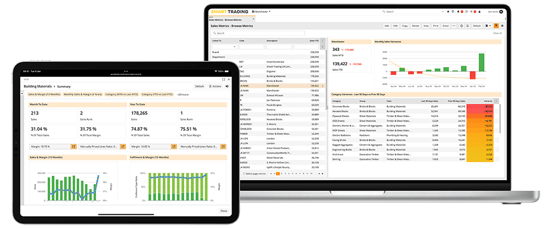
GenetiQ ERP Laptop and iPad

Browser-based solution with industry-leading personalisation and flexibility.

GenetiQ_XLine_Primary
Formerly Intact Xline

Low cost solution for small businesses, hosted on your desktop or in the cloud.

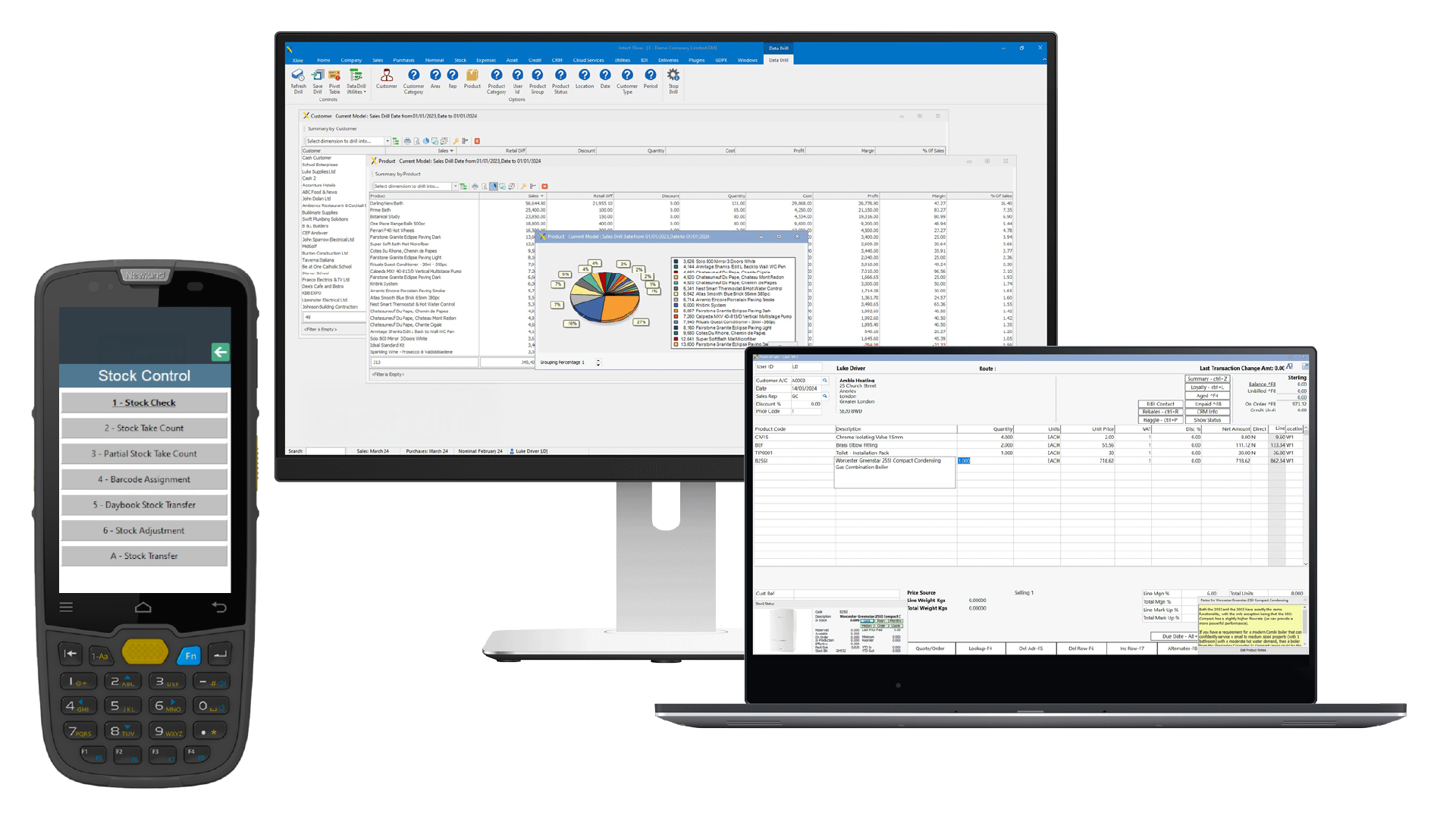
GenetiQ On-Premise Desktop Solution
Formerly Intact iQ

A feature-rich desktop ERP platform with flexibility and customisation at its core.

Wondering which of our solutions would be best for your business?  Compare GenetiQ solutions →


Which business challenges are you trying to solve?
 

Stock and inventory management

Gain real-time visibility and control
across locations and product levels.

Related features:
Warehouse management | Point of sale | Mobile access


Customisation and personalisation

Adapt GenetiQ around your workflows, roles
and business processes.

Related features:
Workflow automation | Mobile access | CRM and marketing


Business intelligence and reporting

Turn live data into clearer decisions with
dashboards and flexible reporting.

Related features:
BI and reporting | Financials and accounting


Sales and order management

Streamline quotes, orders and fulfilment
from counter to delivery.

Related features:
Point of sale | CRM and marketing | Inventory management


Integration and connectivity

Connect your systems, streamline data,
and eliminate manual processes.

Related features:
Workflow automation | Cliqx ecommerce | Clover payments


Financial management

Manage finances, control margins, and
ensure accuracy with confidence.

Related features:
Financials and accounting | BI and reporting

Stressed businessman with head in hands at office
Catherine Cane3 Aug 2026, 13:49:456 min read

The ERP you’re afraid to leave may already be the risk

Intact is now GenetiQ. We rebranded in March 2026 - same team, same products, new name. Learn more about the change →
The ERP you’re afraid to leave may already be the risk
7:38

With Jordan Parker, Migration + Integration Consultant, Stephen Jackman, Migration + Integration Consultant, and Chase Hackner, Solutions Advisor.

When we talk to purchasing managers about ERP migration, the concern is rarely the idea of change itself. It’s whether your team will have the confidence to make the right purchasing decisions while that change is happening.

That concern is valid. If a special order is missed, or demand from sales orders isn’t visible, or a product category is underbought, the consequences show up quickly. Stock won’t be available. Trucks can’t be loaded. Customers will be told something isn’t arriving.

So, it makes sense that a familiar system feels safer.
But that’s where the risk can be misunderstood.


Familiar doesn’t always mean safe 

If your buyers already need spreadsheets, manual checks or personal knowledge to make confident purchasing decisions, your current system may not be as safe as it feels.

A familiar ERP can still leave your team exposed. It may hold stock data, supplier records, product information and replenishment rules, but if your buyers don’t trust that information, the real decision making is happening somewhere else.

We call this the Purchasing Visibility Gap: the space between what your ERP says and what your buyers trust enough to act on.

The information might technically be in the ERP, but your purchasing team still doesn’t fully trust it or understand it without checking somewhere else first.

Jordan Parker, one of our Migration and Integration Consultants, sees this uncertainty during migration projects:
“The issue isn’t always that the data is wrong or missing. Sometimes the data is the same but because it’s presented differently, teams become uncertain about whether they can trust it.”


That’s the gap: missing confidence, not data.

One of the clearest signs is when purchasing logic has moved out of the ERP and into a spreadsheet.

Chase Hackner, Solutions Advisor at GenetiQ, sees this often with mins and maxes in legacy systems. They may have been set years ago, when demand looked very different. As sales change, those old rules don’t always change with them.

As Chase explains, “It’s happening totally outside the system, because what they have in the system is doing them no good.”

This is how the Purchasing Visibility Gap grows. The ERP holds one version of the purchasing logic, while the decisions buyers trust is being made somewhere else.

That workaround may protect the business in the short term, but it also tells you something important: buyers are making the decision outside the ERP system.

And this is why ERP migration can feel so uncomfortable. It asks your team to question the routines they already trust. The spreadsheet. The manual check. The familiar report. And in some cases, the person who knows how things work.

Jordan Parker sees this in migration projects. In one example, a single person had taken ownership of the purchasing data and import process. When that person unexpectedly left the business close to go-live, the wider team realised how much knowledge had been sitting with that one individual.

That’s another version of the Purchasing Visibility Gap. The business may have access to the data, but it doesn’t have shared visibility of how that data is understood, prepared or used.

Sometimes the gap isn’t in a report or a stock figure. It's in someone’s head.


Migration doesn’t create the gap. It exposes it.

When product data is questioned, supplier records are reviewed, stock balances are tested and replenishment rules are challenged, it can feel like the migration is creating problems.

But often, it’s revealing problems that were already there.

Old product records. Obsolete supplier data. Stock logic that no longer reflects demand. Buying decisions that have moved into spreadsheets because the ERP no longer gives your team enough confidence on its own.

Jordan describes the start of a migration project as the point where the business must talk seriously about data.

How many suppliers do you have? How many do you actively use? Is obsolete information still sitting in the system?

His view: “This is the perfect time to clean that data.”

If a product hasn’t been used for years, if a supplier record is no longer active, or if old purchasing logic no longer reflects how your business buys today, carrying it into a new ERP doesn’t reduce risk. It preserves it.


When your ERP feels safe, but your buyers still use spreadsheets 

When a business moves ERP, there’s often a temptation to recreate the old system as closely as possible.

That’s understandable. The usual reports, processes and spreadsheets can make the move feel less disruptive.

But the old way of working is not always the safest way to keep buying stock.

If the process depends on spreadsheets, manual checks, outdated replenishment rules or one person’s memory, copying it into a new system leaves the same weak points in place.

This is why migration should not be treated as a copy-and-paste exercise.

Jordan Parker sees this during migration projects. Buyers know what they are used to, but that doesn’t always mean it is the best way to work. Just because you’ve done something the same way for ten years, doesn’t mean it’s still the right way to do it.

That’s where migration becomes useful.

It gives you the chance to protect what still works, fix what’s become fragile, and leave behind the processes that only exist because the old system made them necessary.


Prove it before go-live 

If you’re worried about moving ERP, you don’t need vague reassurance.

You need to see the data working before your team depends on it.

That’s why migration should be staged, not treated like a handover of data followed by a nervous wait for go-live. This process is where you work through templates, workshops and multiple data cuts, gradually seeing your own customers, products, suppliers, pricing and stock inside GenetiQ.

Once you can see your own purchasing data in the new ERP, you can question it. Test it. Challenge it. Clean it. Improve it.

Jordan Parker gives a good example. During a ‘dummy run’, your stock balances can be brought into the test system and compared against your current position. If the values match, you have evidence that the stock position is moving correctly. If they don’t, there’s time to find out why.

In one project, it took five attempts to get the stock position right because of how costs, pack quantities and pack sizes transferred.

That might sound like a problem.

But finding it before go-live was the win.

The issue was found early. The process was repeated. The customer understood what had changed. And by go-live, the stock went in as planned.

That process helps close the Purchasing Visibility Gap before the new ERP becomes business critical. Buyers can see how the information has moved, understand why figures may have changed and build confidence in what they’ll use after go-live.


The safest decision creates more trust

ERP migration shouldn’t be treated lightly. Purchasing is too important for that.

But staying with your current system isn’t automatically safer.

If your buyers can make decisions from live, trusted information in the ERP, that is confidence.

If they need to check spreadsheets, override stock rules or rely on one person’s knowledge, that’s a sign the Purchasing Visibility Gap already exists.

The first step is to identify where your team leaves your ERP to decide. Those are the areas your migration should focus on fixing, rather than carrying forward.

So yes, ERP migration may feel like the riskier decision. But if your team already must check, adjust and compensate just to keep stock moving, the greater risk may be staying exactly where you are.