



<img height="1" width="1" style="display:none;" alt="" src="https://px.ads.linkedin.com/collect/?pid=8778010&amp;fmt=gif">
Skip to content

We cater to diverse industries. If your sector isn't listed above, contact our experts to explore potential compatibility.    Are we a good fit →

GenetiQ logo
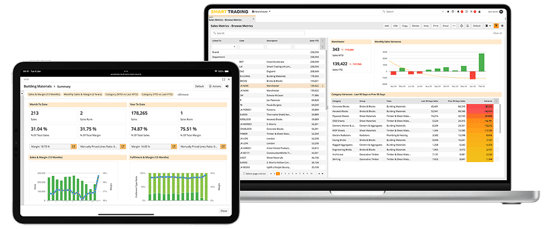
GenetiQ ERP Laptop and iPad

A connected ERP platform, available through your browser or desktop application with industry-leading personalisation and flexibility that puts you in control.

GenetiQ_XLine_Primary
GenetiQ Xline
Business management software
designed for smaller businesses.

Not sure which GenetiQ product is right for your business?  Compare GenetiQ solutions

Intact is now GenetiQ (gen-et-ic)

Same people. Same products. New name.
Why the change? Learn more →
GenetiQ Xline (formerly Intact Xline)

GenetiQ Xline
business management software

Built around the day-to-day needs of smaller businesses.

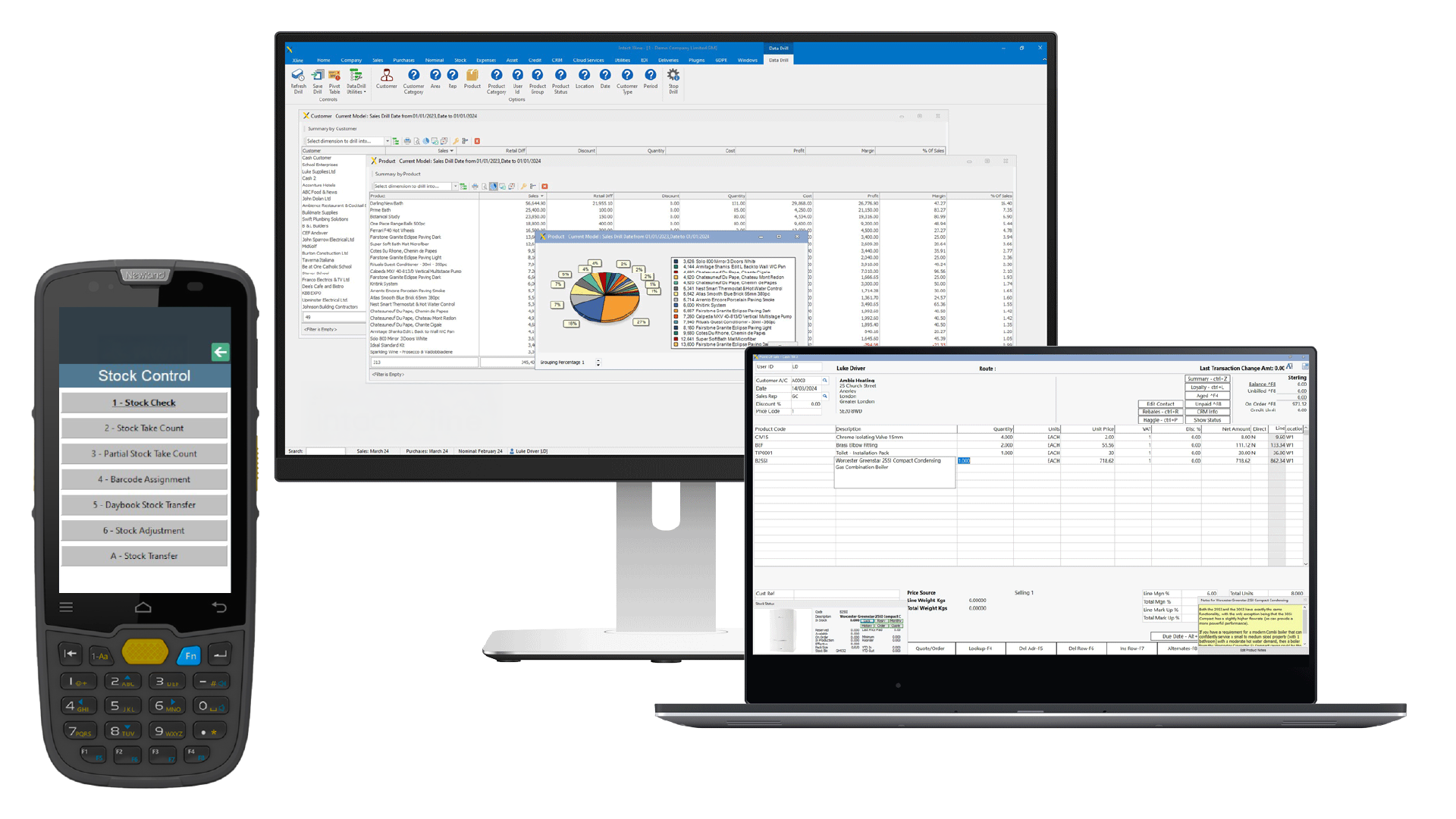
Bring your stock, sales, purchasing and financial processes together in one system. GenetiQ Xline helps merchants, wholesalers and retailers manage day-to-day operations with the features and flexibility to support their business needs.
Xline with MWS 2

Key benefits

Easy to use

Clear, personalised screens help your team find information and manage everyday tasks.

Subscription-based

A subscription model helps you plan your ongoing software costs, with options to suit your requirements.

A supported move

Considering a move from Sage 50, Xero or another system? Talk to our team about your requirements, data preparation and the steps involved.

Built for your sector

Manage stock, sales, purchasing and finance with features relevant to merchants, wholesalers and retailers.

A personal approach

Work with a team that takes time to understand your business and how you operate.

Room to adapt

Explore additional features and options as your business needs change.

What can you do with GenetiQ Xline?

Standard features

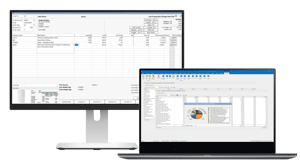
GenetiQ Xline brings together the everyday tools your business needs, from stock control and order processing to financial management and reporting. Explore the standard features to see what's included and how they support your operations.
Xline Data and POS 2

Extend GenetiQ Xline
with optional features

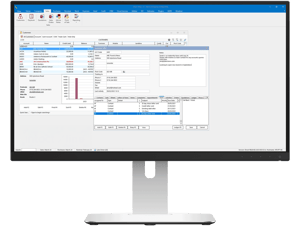
Need functionality beyond Xline's standard features? Explore optional modules designed to support additional business processes and requirements, and find out which options are right for your business.
Xline-Desktop-CRM 2

What our Xline customers say

“Having Xline is like having another member of staff.”

Full case study: MCD Engineering discusses moving away from Sage accounting software

Michelle Vincent, BuyerMCD Engineering

“Xline has played a crucial role in our business expansion, enabling us to launch a new off-site showroom recently. It allows me to efficiently manage this new location using just one system, which makes things much easier. And if we ever expand to another warehouse or grow our staff, it’s reassuring to know the software can facilitate these seamlessly.”

Adam Baker, Managing DirectorHerne Bay Plumbing & Bathroom Supplies

“We are glad we made the move to Xline. Not one member of staff has had a bad word to say about it. We rolled it out across our entire network in one go and are delighted with the range of additional benefits it has brought to the business, which we hadn’t anticipated.”

Michael Rooney, IT ManagerMurdock Group

Is GenetiQ Xline right for your business?

Tell us about your business and what you need from your software.
Our team can help you explore whether Xline is the right fit.

Frequently asked questions

Is GenetiQ Xline being replaced by GenetiQ?

No. GenetiQ Xline remains a separate business management solution designed for smaller businesses. GenetiQ is our main ERP platform, offering a different range of capabilities and options to suit different business requirements.

Will GenetiQ Xline continue to be supported and developed? Yes. GenetiQ Xline continues to be supported and developed, with ongoing improvements informed by customer needs. There's no requirement to move to GenetiQ simply because another solution is available.
What's the difference between GenetiQ and GenetiQ Xline?

GenetiQ Xline is a separate solution designed for smaller businesses, while GenetiQ is our main ERP platform, available through browser and desktop applications.

The right choice depends on your operational requirements, functionality needs and plans for your business.

Can I move from Sage 50 or Xero to GenetiQ Xline?

If you're considering moving from Sage 50, Xero or another system, GenetiQ Xline could be worth exploring, particularly if your business needs integrated stock, sales, purchasing and financial management.

Our team can discuss your requirements and what's involved in moving to Xline. We will guide you through data extraction and preparation, with migration support and responsibilities agreed based on your existing systems.

What types of businesses is GenetiQ Xline suitable for?

GenetiQ Xline is designed for smaller businesses, including merchants, wholesalers, distributors and retailers.

It brings together functions such as stock control, purchasing, sales, financial management and reporting. Additional functionality is available through optional modules, depending on your requirements.

Your journey with GenetiQ Xline:
8 steps to implementation

Every business is different. Our implementation process helps you prepare your data,
configure Xline around your requirements and get your team ready to use the system.
  • 1. Kick-off call

    Your journey kicks off with a call from your dedicated consultant, discussing your project needs and required data.

  • 2. Follow up email

    Expect a follow-up email detailing user numbers, consultant days required, and chosen configurations.

  • 3. Building Business Data

    We'll set up your accounts, stock, and processes based on your information.

  • 4. Data Checks

    Together, we'll review everything to ensure it meets your needs.

  • 5. Test Run

    Try out Xline in a safe environment with your own data and processes.

  • 6. Form Design 

    Collaboratively design custom documents and reports during an on-site session.

  • 7. Onsite training

    Receive hands-on training from our team as you familiarize yourself with the system.

  • 8. Post go-live support and training

    Count on us for ongoing assistance, month-end training, and any additional support you may need post-launch.

Ready to discuss your Xline requirements?