<img height="1" width="1" style="display:none;" alt="" src="https://px.ads.linkedin.com/collect/?pid=8778010&amp;fmt=gif">
Skip to content

We cater to diverse industries. If your sector isn't listed above, contact our experts to explore potential compatibility.    Are we a good fit →

GenetiQ

GenetiQ ERP Laptop and iPad

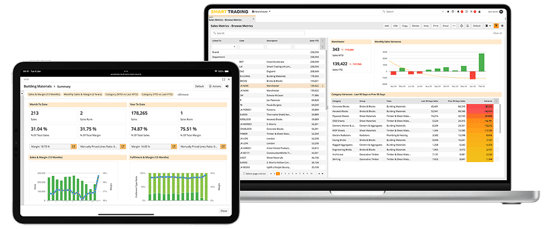
A flexible ERP platform for merchants, wholesalers and distributors, designed to support complex operations and the way your business works.

GenetiQ Xline

GenetiQ Xline

Business management software for smaller businesses, bringing together the essential tools to manage day-to-day operations.


Not sure which GenetiQ product is right for your business?  Compare GenetiQ solutions

Stock and inventory management software

Manage stock across branches and warehouses with GenetiQ ERP software. Connect stock control, warehouse operations, purchasing and order fulfilment to give your teams clearer visibility of your inventory.

Book a demo
GenetiQ Multiscreen for Website-1

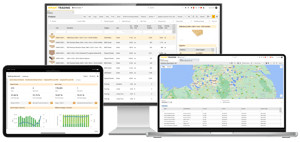
Manage stock and warehouse operations in one connected system

Stock visibility

See stock availability and movements across branches, warehouses and locations, with information to support day-to-day decisions.

Warehouse operations

Manage goods receiving, stock handling, picking and dispatch as part of your wider ERP processes.

Stock control and accuracy

Maintain accurate inventory records through stocktaking, adjustments and stock movement tracking.

Connected purchasing and fulfilment

Connect stock information with purchasing, replenishment and sales orders to support more informed decisions.

Real-time stock visibility

Know what stock you have and where it is

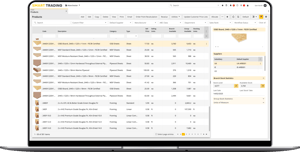
Get a clearer view of your inventory across branches and warehouses, with stock information connected to your day-to-day operations.

Use GenetiQ to view and manage:

  • Stock availability across locations
  • Reserved and available stock
  • Warehouse and bin locations
  • Stock movements and transfers
  • Stock in transit

Explore multi-branch and location management

laptop-with-products-screen
Warehouse management

Keep warehouse operations connected

Manage stock as it moves through your warehouse,
from goods receiving and put-away to picking, packing and dispatch.

With stock and warehouse processes connected to your ERP system, your teams can work with more consistent inventory information across day-to-day operations.

genetiq-inventory-workflow-cutout
1
2
3
4
5
6
7
8
9
Goods in

Record incoming deliveries and update stock information as goods arrive.

 
Put away

Organise received stock into the appropriate warehouse or bin locations.

 
Picking

Support the selection of stock for customer orders and warehouse fulfilment.

 
Packing

Keep packing activities connected to the order fulfilment process.

 
Dispatch

Manage the movement of completed orders through dispatch.

 
Stock transfers

Record and manage stock movements between relevant locations.

 
Mobile warehouse solutions

Extend stock management beyond the desk

Give warehouse teams access to stock information and operational tools while they're working across your premises.

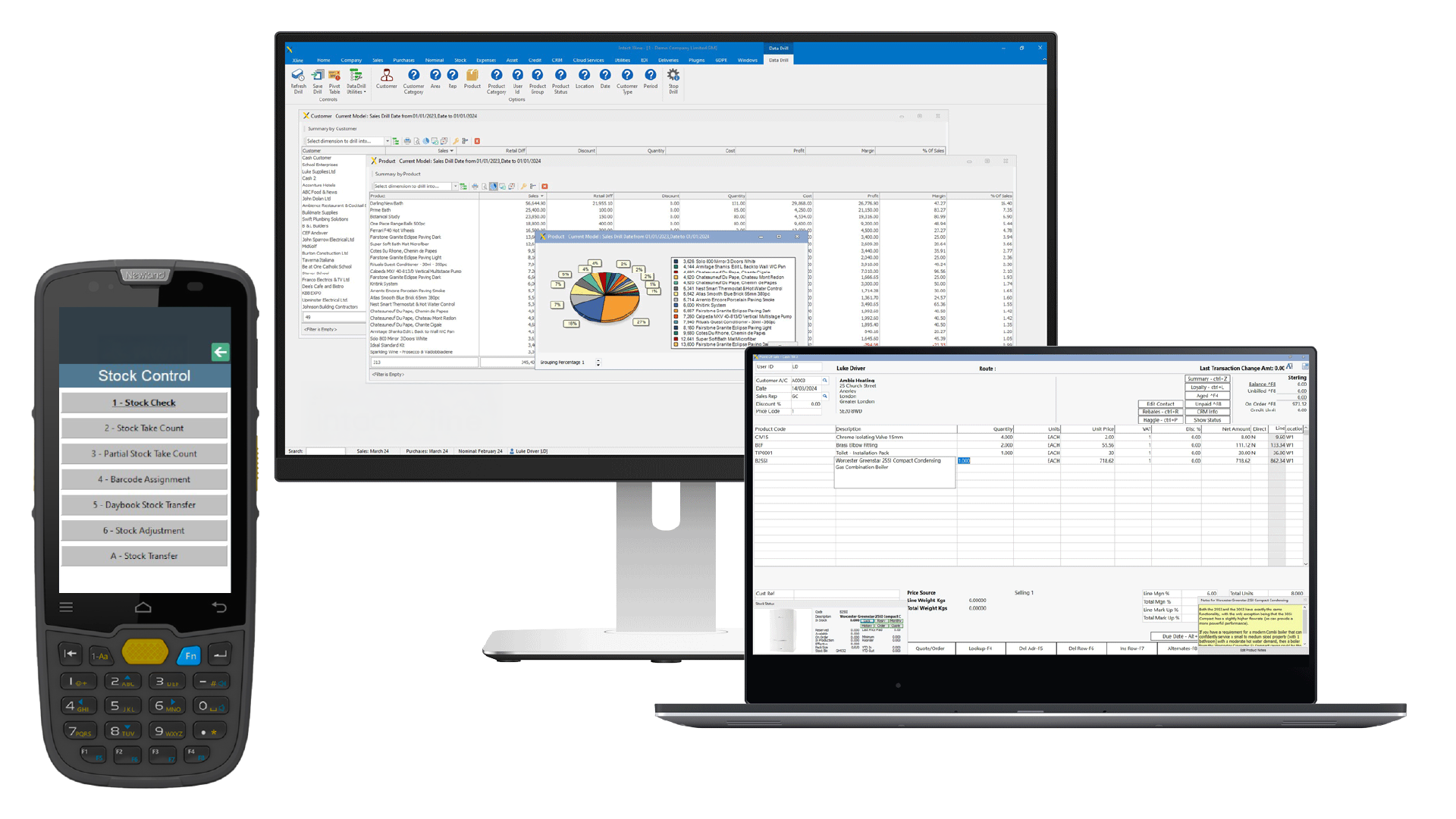
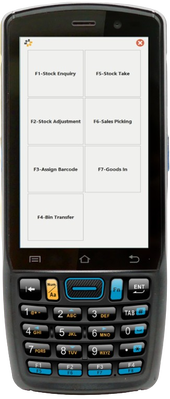
GenetiQ offers mobile applications that support different warehouse activities, from checking stock availability and recording adjustments to handheld picking, goods receiving and stocktaking.

Available functionality depends on the application and your GenetiQ configuration.

Explore our mobile applications

GenetiQ Access
Access relevant stock information, outstanding orders and stock adjustment functions from mobile devices. Explore GenetiQ Access.

Mobile Warehouse Solution (MWS)
Support handheld warehouse workflows including barcode scanning, goods receiving, picking, stocktaking and label printing. Explore Mobile Warehouse Solution.
IQ MWH on device-1
Inventory accuracy and stocktaking

Keep stock records accurate and up to date

Maintain reliable inventory information with stocktaking and reconciliation processes built into your wider ERP operations.

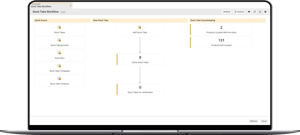
Whether you're carrying out a full stocktake or checking specific products and locations, GenetiQ helps you record stock counts, identify discrepancies and maintain more accurate inventory records.

Manage stock accuracy with:

  • Full and rolling stocktakes
  • Cycle counting
  • Stock count imports
  • Warehouse and stock locations
  • Inventory adjustments and reconciliation
laptop-with-stock-take-workflow-screen
Stock replenishment and purchasing

Make more informed replenishment decisions

Keep stock levels aligned with customer demand by connecting inventory information with purchasing and replenishment processes.

GenetiQ helps your teams identify stock requirements, plan purchasing activity and make more informed decisions about when and what to reorder.

Explore purchasing and replenishment capabilities

Reorder points

Identify products approaching their reorder levels to support timely replenishment.

Safety stock controls

Set stock thresholds to help manage availability and reduce the risk of shortages.

Supplier purchasing

Use inventory information to support supplier purchasing decisions.

Inventory forecasting

Review stock requirements and demand information to inform future purchasing plans.

Industry solutions

Stock management for your industry

Different businesses face different stock management challenges. Explore how GenetiQ supports inventory and warehouse operations across wholesale, merchanting, distribution and retail.

Trusted by merchants, wholesalers and distributors

Helping businesses manage their operations across a wide range of industries.

Ready to improve your stock management?

See how GenetiQ can help you connect stock control, warehouse operations and purchasing, giving your teams clearer visibility and more control over inventory.

Book a demo

Frequently asked questions

Can GenetiQ manage stock across multiple branches?

Yes. GenetiQ connects stock information across branches, warehouses and locations, helping teams check availability, manage stock movements and coordinate transfers between sites.

How does GenetiQ support stocktaking and inventory accuracy?

GenetiQ supports stocktaking, stock count recording, adjustments and inventory reconciliation. Businesses can use these processes to identify discrepancies and keep stock records up to date. The specific counting methods available depend on your configuration.

Can warehouse teams use mobile devices?

Yes. GenetiQ Access and the Mobile Warehouse Solution (MWS) support different mobile workflows. Depending on the application, teams can access stock information and carry out activities such as picking, goods receiving and stocktaking. Available features and device requirements vary.

Can GenetiQ help automate stock replenishment?

GenetiQ supports stock replenishment planning through inventory information, reorder levels and purchasing processes. Depending on your configuration, replenishment rules can help teams identify requirements and manage purchasing activity.

How does GenetiQ handle stock when customers order online?

GenetiQ can connect inventory and sales information with ecommerce operations through supported integrations, including Cliqx. How and when stock availability updates depends on the integration and its configuration.

Can GenetiQ help manage stock costs?

GenetiQ connects inventory information with purchasing and financial management processes, helping businesses understand stock values and associated costs. Specific costing methods and treatment of additional charges depend on your configuration.

Can we configure stock management processes to suit our business?

GenetiQ provides configuration options for stock management and related workflows. The changes your team can make directly, and those requiring additional setup or support, depend on the application and your requirements.