



<img height="1" width="1" style="display:none;" alt="" src="https://px.ads.linkedin.com/collect/?pid=8778010&amp;fmt=gif">
Skip to content

We cater to diverse industries. If your sector isn't listed above, contact our experts to explore potential compatibility.    Are we a good fit →

GenetiQ_Cloud_Primary
Our next-generation cloud ERP
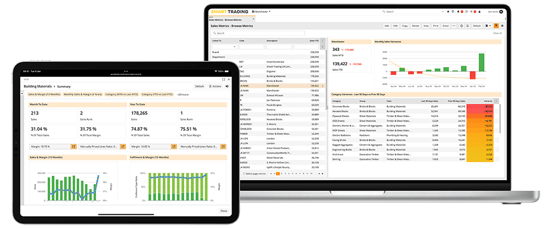
GenetiQ ERP Laptop and iPad

Browser-based solution with industry-leading personalisation and flexibility.

GenetiQ_XLine_Primary
Formerly Intact Xline

Low cost solution for small businesses, hosted on your desktop or in the cloud.

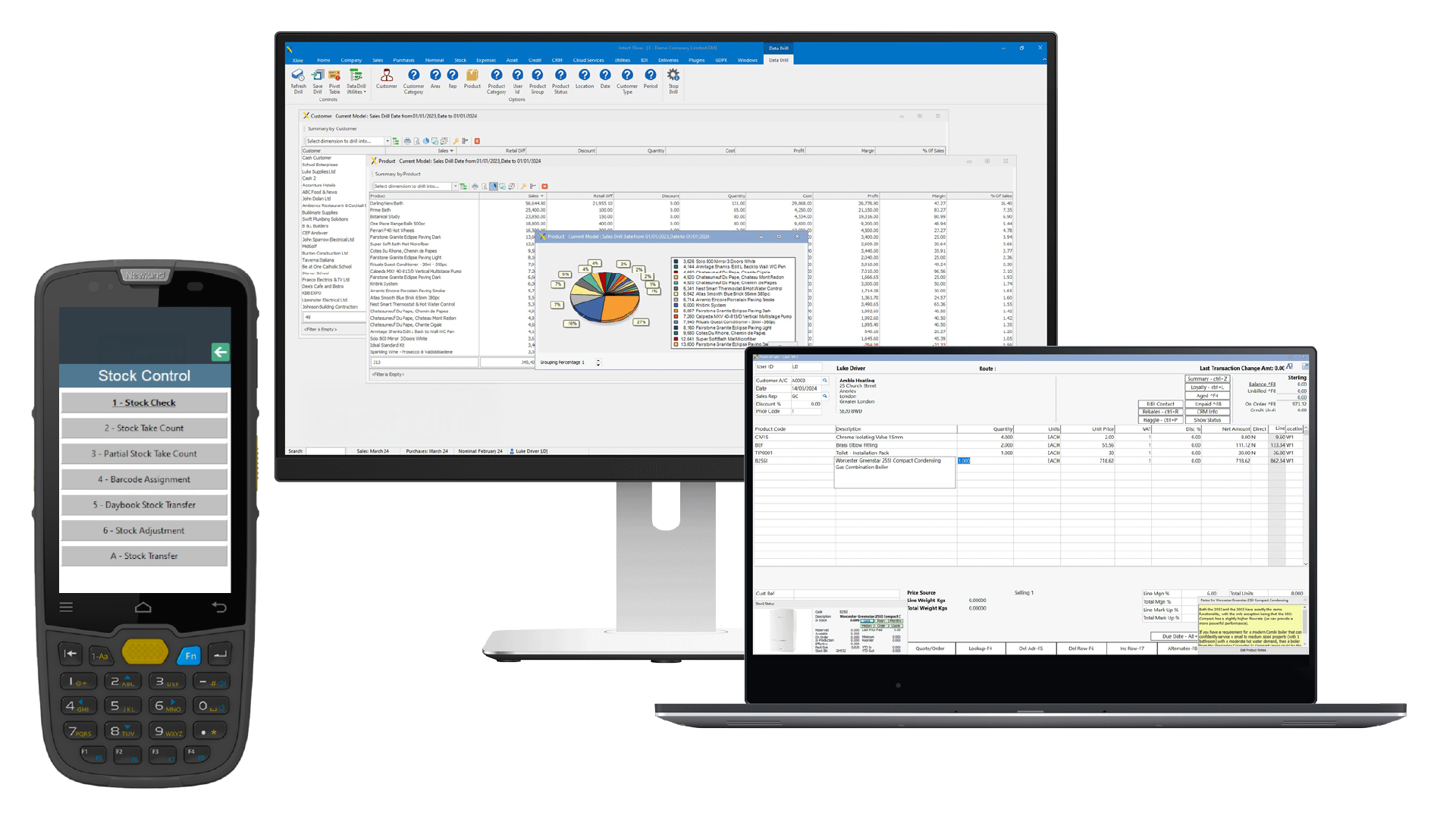
GenetiQ On-Premise Desktop Solution
Formerly Intact iQ

A feature-rich desktop ERP platform with flexibility and customisation at its core.

Wondering which of our solutions would be best for your business?  Compare GenetiQ solutions →


Which business challenges are you trying to solve?
 

Stock and inventory management

Gain real-time visibility and control
across locations and product levels.

Related features:
Warehouse management | Point of sale | Mobile access


Customisation and personalisation

Adapt GenetiQ around your workflows, roles
and business processes.

Related features:
Workflow automation | Mobile access | CRM and marketing


Business intelligence and reporting

Turn live data into clearer decisions with
dashboards and flexible reporting.

Related features:
BI and reporting | Financials and accounting


Sales and order management

Streamline quotes, orders and fulfilment
from counter to delivery.

Related features:
Point of sale | CRM and marketing | Inventory management


Integration and connectivity

Connect your systems, streamline data,
and eliminate manual processes.

Related features:
Workflow automation | Cliqx ecommerce | Clover payments


Financial management

Manage finances, control margins, and
ensure accuracy with confidence.

Related features:
Financials and accounting | BI and reporting

Proof of Delivery for GenetiQ customers

Still relying on paper proof of delivery?

Delivery notes, signatures and confirmations all need to be captured, checked and stored - but when that’s done manually, it can slow things down and make it harder to stay in control.

Proof of Delivery (POD) with our Access app gives you a more structured way to capture delivery confirmations digitally and link them directly to your ERP system.


Sound familiar?

  • Handling paper delivery notes and manual filing
  • Chasing missing or delayed proof of delivery
  • Limited visibility of delivery outcomes and issues
  • Delays updating customer-facing teams
  • Spending time checking and rekeying delivery information

iStock-851868858
Proof of Delivery with Access

What does this help you solve

Managing proof of delivery manually often leads to delays, extra admin and limited visibility across your delivery process.

POD with Access helps by:

Reducing paperwork
and admin
Replacing physical delivery notes with digital capture.
Preventing lost or
missing PODs
Capturing delivery confirmations instantly at the point of delivery.
Improving visibility of delivery outcomes
Keeping up-to-date delivery information accessible in one place.
Supporting faster customer response
Giving customer-facing teams timely access to delivery status and exceptions.

A better way to manage delivery confirmations

For wholesalers, merchants and distributors, confirming deliveries is a core part of daily operations - but paper-based processes can slow things down and create unnecessary admin.

POD with Access brings delivery confirmation into your ERP process, helping you stay organised and keep records up to date without relying on paperwork.
Access - POD 7

Bring control and visibility to deliveries

When delivery confirmations are managed in one place, it becomes much easier to stay organised, reduce admin and respond quickly when issues arise.

With POD with Access, you can:

1
Capture POD
Capture proof of delivery digitally at the point of delivery
2
Add to ERP
Link PODs directly to ERP transactions
3
Record details
Record delivery outcomes and exceptions
4
Stay organised
Keep delivery records organised and easy to access
5
Gain visibility
Improve visibility across your delivery process

Common day-to-day uses include:

Signature capture
Capturing signed proof of delivery for customer deliveries
Recording details
Recording delivery issues and exceptions as they happen
Visibility for staff
Giving customer service teams up-to-date delivery information
Handle multiple deliveries
Capturing POD for multiple deliveries at the same location
See how POD with Access could work in your current setup.

How it works in practice

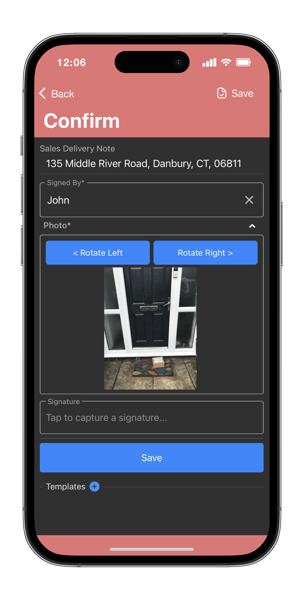
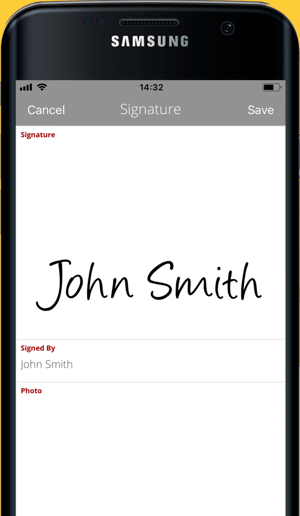
Proof of Delivery (POD) with Access works through our Access app, allowing drivers to capture delivery confirmations directly from their device and link them back to your ERP system.

Key information is captured at the point of delivery and synced back to your ERP system, even if the device is offline at the time.

Capture signatures digitally at the point of delivery

Take photos to support delivery confirmation where needed

Record delivery exceptions and outcomes

Link each POD directly to the relevant delivery note

Capture PODs for multiple delivery notes in one action

Capture PODs offline, with updates syncing once connected

Automatically update delivery information in your ERP system
Mobile access for delivery team-1

How to get started

Setup and technical considerations

To get the most out of POD with Access, there are a few requirements to be aware of:

 Release / Version Availability: GenetiQ R36 or later
 Dependencies: Access app and ERP integration required
 Hardware Requirements: Mobile device (Android 11+ or iOS 11+)

Additional considerations:
 Does not provide route planning or optimisation
 Some configurations (e.g. automated customer notifications) may require additional setup

How to get started

Getting started involves setting up the Access app and configuring how proof of delivery is captured and linked to your ERP system.

 Set up and configure the Access app
 Define how delivery data is captured (e.g. signatures, images)
 May require input from your IT team or system administrator

Pricing

Pricing will depend on your setup and requirements. It typically includes a level of consultancy to support setup and implementation.

Speak to your account manager for a breakdown of costs and what would be involved for your business.

Speak to your account manager

See how it could work for you

If you’re looking to reduce paperwork and improve visibility across your delivery process, POD with Access can help you bring more structure and control to delivery confirmations.

Speak to your account manager to see how it could fit into your current setup.